One scan. On your shelf.
Scan a barcode, confirm the release, and give your latest find a home.
 DiscVault.Download APK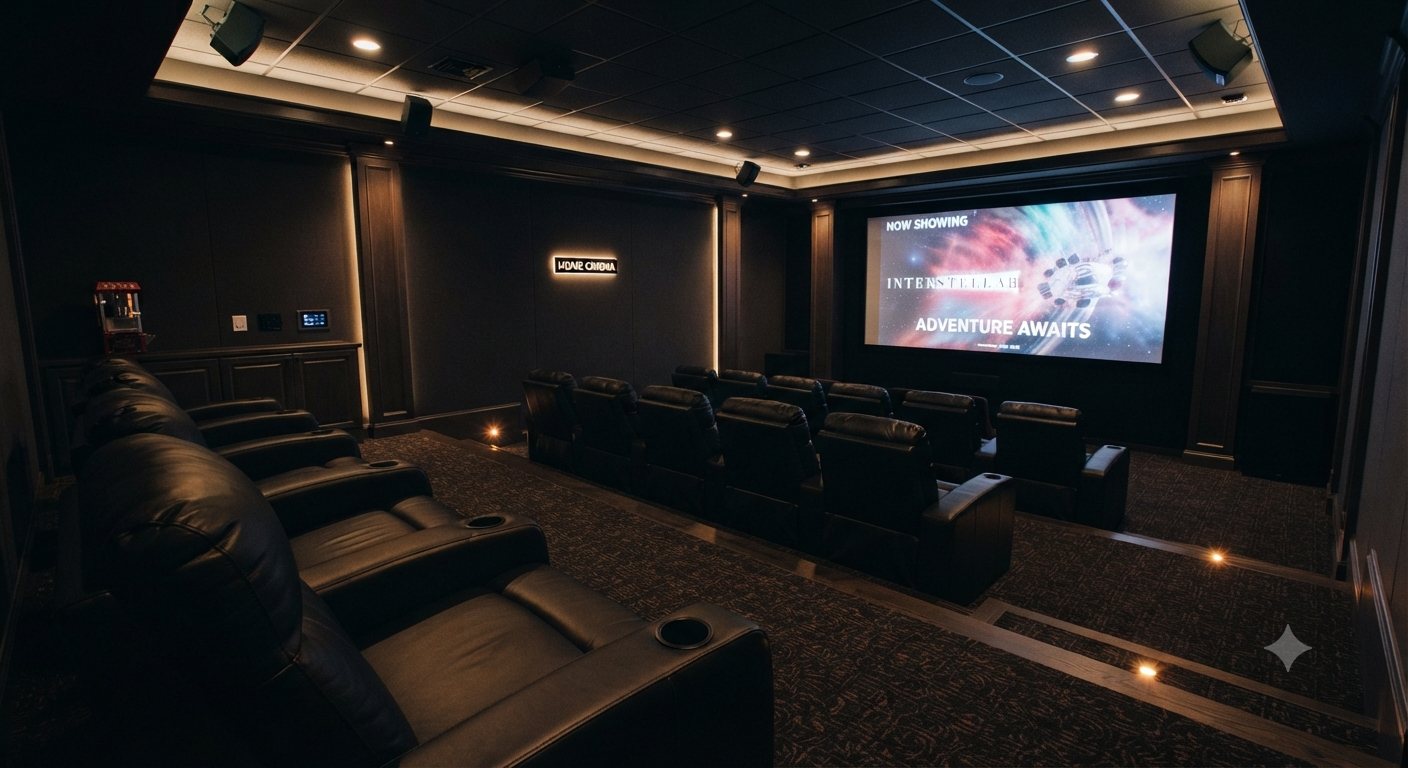
Your films. Beautifully kept.
The shelf you built. The editions you hunted down. Bring your DVD, Blu-ray and 4K collection to life with DiscVault.
Android beta · APK download
01 — A shelf with a soul
More than a list of titles. A place for the details that make your collection yours.
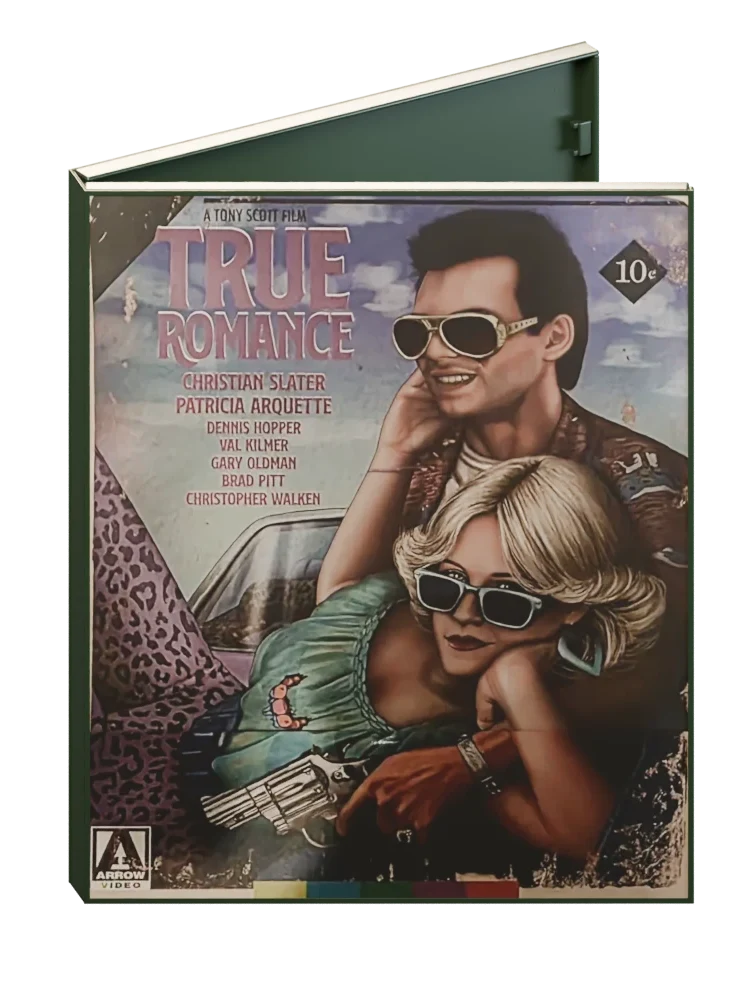
Your photographed spines. Your special editions. A shelf that feels like the one at home—with every film in reach.
The entire movie-night ritual
Scan a barcode, confirm the release, and give your latest find a home.
Your collection stays on your device. Browse what you own wherever you are.
Filter your collection or let DiscVault surprise you with your next watch.
Log watches and rewatches. Your own history of nights at the movies.
02 — Make a night of it
Explore your films in the screening room. Because choosing what to watch should feel like part of the evening.
Scroll down to dim the lights. Scroll up to bring them back.
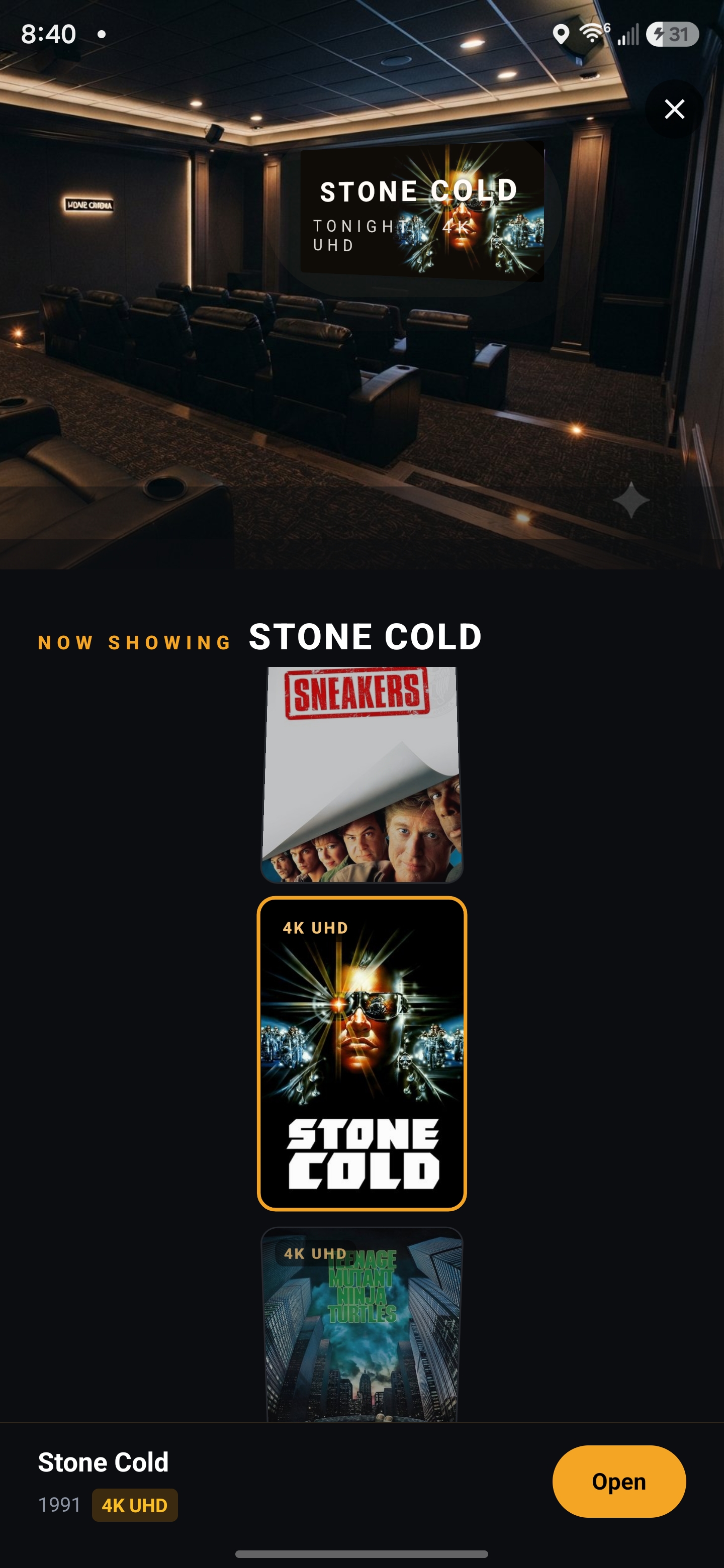 THE SCREENING ROOM / IN THE APP
Your next great watch is already on your shelf.
Android beta · APK download
On Android, open the downloaded APK to install. If prompted, allow installs from your browser, then follow the on-screen steps.